Passwords can be a pain to ponder. While it’s easy to pick a pet or child to base a password off of (we all know the favourite child), scammers and hackers have the technology to guess these password types relatively quickly.
This is called a brute force attack, where hackers use computer programs to guess many iterations of login details in the hopes of eventually guessing correctly.
That means creating strong passwords that are hard to guess is more important than ever to prevent cyber-attacks and protect your online account security. So, it’s time to do away with “Jam3s4!” or “Password89” and learn how to make a near unbreakable password.
What makes a secure password?
Before we dive in, it’s critical to understand why each of your accounts should have a unique passphrase.
If your details are compromised, and they are the same across all accounts, suddenly someone could access not just one — but all your accounts.
Good news, it doesn’t have to be this way! This is why we’re here to help.
It’s good to work out what makes a weak password to learn how to make a strong one. Using the ‘How Secure Is My Password?’ tool, we can see that the above example, “Jam3s4!”, would be guessed by a computer in only 6 minutes.
Surprisingly, “Password89” would take a computer 7 months to figure out – but why so much longer?
The key feature of security is length. The more characters there are, the more time it will take to be guessed by a computer. Australian Cyber Security Centre says that over 15 characters is usually a safe bet to make a more secure password.
Using a secure passphrase – a string of words instead of just one – is an easy way to make a memorable, lengthy password. Our passphrase might be “iloveeatingstrawberries”, which would take 2 hundred trillion years to crack, according to our tool.
Great stuff, we’ve created a nice and strong password. However, in the name of being safe, there is a way to make it even better.
This is where numbers, uppercase letters and special characters come into play. If we include these, changing the above password to “!lov3eat!ng$tr@wberries”, a computer will now have to spend a casual 1 sextillion years to guess our password.
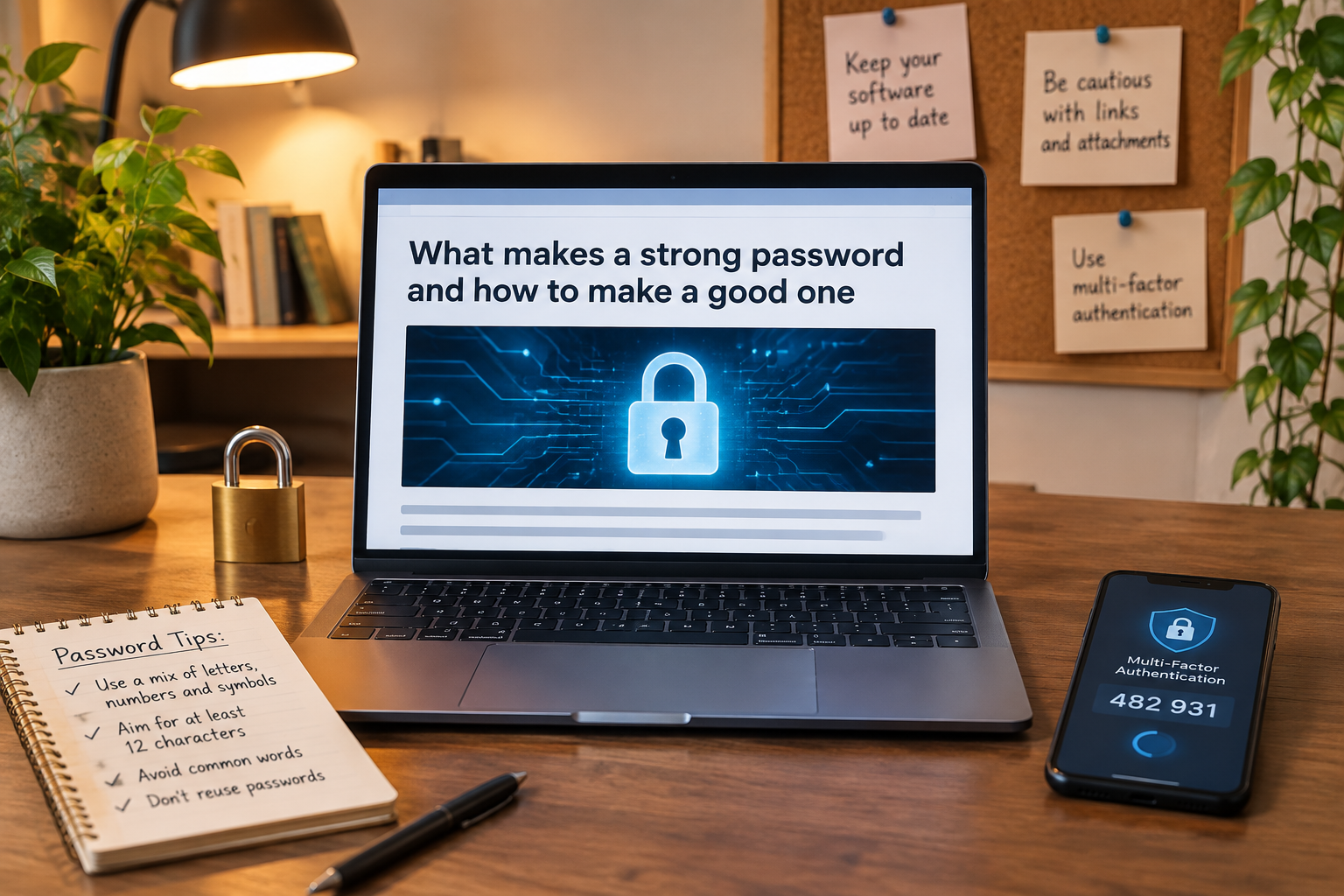
Mixing uppercase and lowercase letters, numbers and symbols can make a long passphrase harder to guess, but avoid predictable patterns such as a capital letter at the start and a number at the end. Focus on length, unpredictability and using a different passphrase for every account. No password is unbreakable, so turn on multi-factor authentication wherever it’s available for an extra layer of protection.
Now, if you want to go the extra distance to make sure it’s super-duper extremely secure, Australian Cyber Security Centre does recommend choosing random words in the dictionary to make an unpredictable passphrase.
If I’m making different passwords for all my accounts, how can I remember them?
Remembering a different password for every account can be tricky. A password manager makes it easier by keeping your login details in an encrypted vault, so you don’t have to remember them all. Instead, you unlock the vault with one strong master passphrase.
Depending on the service you choose, you can sync your passwords across devices, autofill login details and use a browser extension to sign in more easily. Some managers also flag weak or reused passwords. These features can help you manage your accounts, but they don’t replace checking that you’re on the right website before signing in.
You don’t need to come up with every password yourself, either. Many password managers include a generator that creates long, random passwords and saves them for you. That makes using a unique password for each account much more manageable.
There are free and paid options available, with different features and device limits. Choose a reputable provider that suits your needs, protect it with a unique master passphrase and turn on multi-factor authentication where available.
Tying it all together?
Congratulations, you’re now an expert on making a successful password!
This is a valuable skill that will keep you, your friends, and family safe online. Remember to:
-
Pick a passphrase that will stick in the mind or a random arrangement of words.
-
Add in numbers, uppercase letters, and special characters at unconventional points.
-
Get a password manager to store login details.
-
Differentiate your login details across different accounts.